
Quick Answer
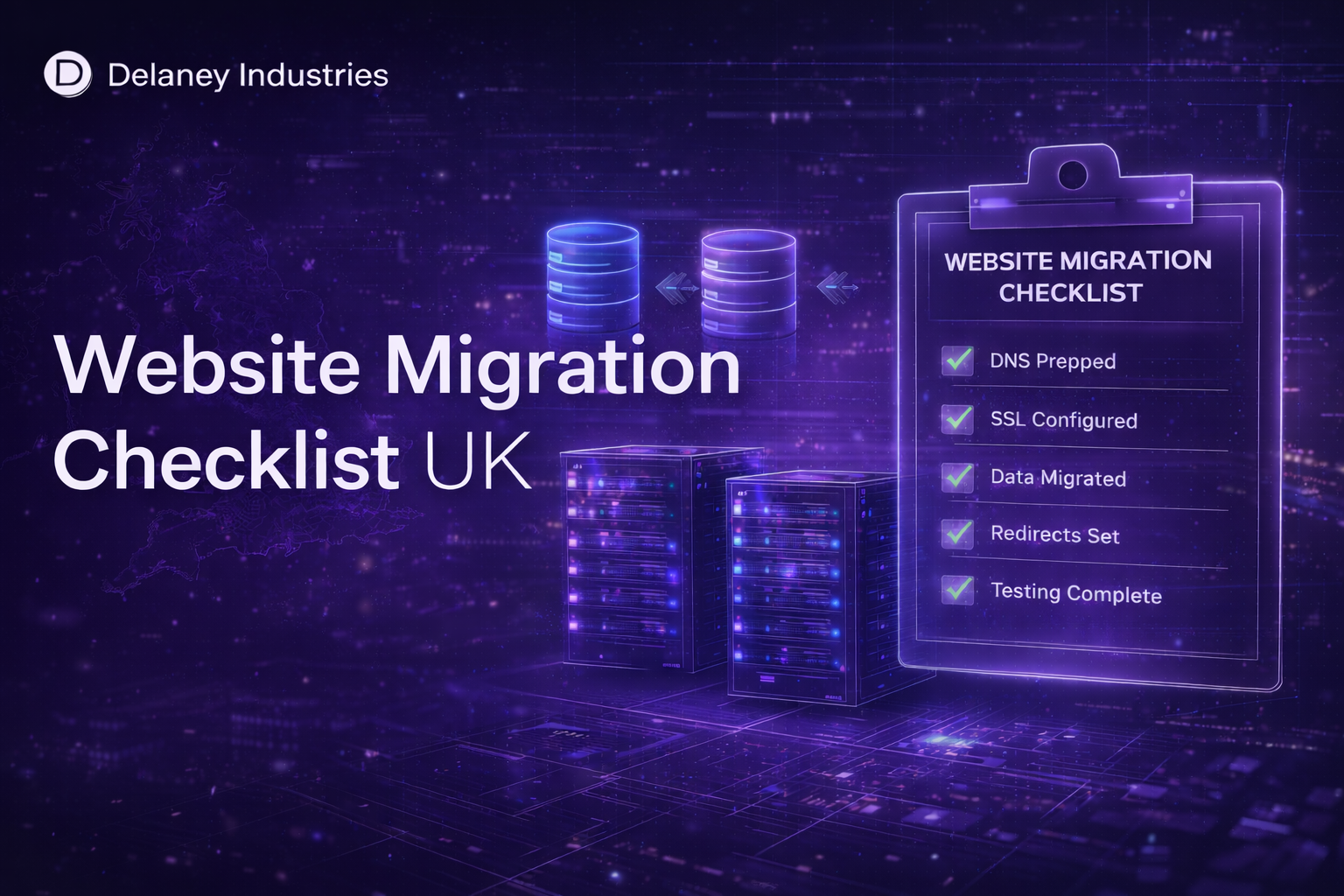
A safe website migration involves setting up a new isolated hosting environment, securely transferring files and databases, testing the website before switching DNS, and performing a controlled transition with minimal disruption. Proper planning prevents downtime and SEO impact.
Key Steps
- 1Audit your current environment: document all files, databases, email accounts, SSL certificates, and integrations
- 2Set up and fully configure the new hosting environment before transferring any files
- 3Transfer files and databases securely, then test everything using a staging URL on the new server
- 4Lower your DNS TTL 24 to 48 hours before cutover to reduce propagation delays on switch day
- 5Switch DNS records, monitor during the propagation window, and confirm all services including email are working
Quick Facts
- DNS propagation after a switch typically takes between 1 and 48 hours depending on TTL settings.
- A properly managed migration causes zero downtime for most websites.
- SEO rankings are unaffected by a hosting migration when done correctly: only the server changes, not the URLs.
- Email records must be migrated separately from the website if email is hosted on the same domain.
- A pre-migration audit typically reveals overlooked integrations, outdated plugins, and configuration issues.
Common Mistakes to Avoid
- Switching DNS before fully testing the site on the new environment
- Forgetting to migrate email configuration, causing email disruption after the web migration completes
- Not lowering DNS TTL before migration, extending the propagation window unnecessarily
- Skipping a post-migration SEO check to confirm redirects, canonical tags, and sitemaps are still correct
- Deleting the old hosting environment before confirming the new environment is stable for at least 7 days
Switching hosting provider can feel risky.
Many businesses delay upgrading because they worry about:
- Downtime
- Lost emails
- Broken websites
- SEO impact
- Data loss
The reality is that website migration, when handled properly, is structured and controlled. If your hosting environment is holding you back, migration should not be the reason you stay.
Why Businesses Switch Hosting Providers
Common reasons for migration include:
- Slow website performance
- Unexplained downtime
- Poor support response times
- Shared hosting limitations
- Security concerns
- Scaling beyond current infrastructure
As businesses grow, entry-level hosting often becomes unsuitable. Upgrading to isolated, enterprise-grade hosting provides:
- Dedicated resources
- Proactive monitoring
- Structured backups
- Stronger security
But migration must be done correctly.
Audit the Current Environment
Before migration begins, document:
- Hosting provider details and control panel access
- Server specifications
- Website platform (WordPress, Laravel, custom app, etc.)
- Database size and structure
- Email configuration
- DNS records
- SSL certificates
- Backup availability
Understanding the current setup prevents surprises.
Set Up the New Hosting Environment
The new environment should be prepared before any data is moved. This includes:
- Provisioning isolated server instance
- Configuring operating system and security
- Installing required software stack
- Setting up database systems
- Implementing firewall and hardening measures
- Configuring Cloudflare integration
- Establishing monitoring systems
Migration should never begin before the destination environment is fully ready.
Migration Should Feel Controlled, Not Risky
Delaney Industries manages the full migration process environment setup, data transfer, DNS configuration, Cloudflare integration and monitoring activation.
Transfer Website Files and Databases Securely
The migration process typically includes:
- Secure file transfer
- Database export and import
- Configuration updates
- Path adjustments
- Dependency verification
For custom applications, additional environment variables and application configurations may need adjustment. Data integrity must be verified after transfer.
Test Before Switching DNS
Testing should be completed in a staging or temporary environment before making the website live. This includes:
- Front-end functionality
- Forms and enquiry submissions
- Database connectivity
- Login systems
- Payment integrations (if applicable)
- Performance testing
- SSL verification
Testing prevents public disruption.
Manage DNS Carefully
DNS changes should be:
- Planned in advance
- Timed appropriately
- Verified post-update
Lowering TTL (Time To Live) in advance helps reduce propagation delays. With correct planning, DNS switching can result in minimal or near-zero downtime.
Review Email Configuration
If email services are linked to hosting, MX records and mail routing must be checked carefully. Improper DNS configuration is one of the most common causes of post-migration disruption.
Email continuity is critical for business operations.
Confirm Backups and Monitoring
Once live, ensure:
- Backups are active
- Monitoring alerts are functioning
- Resource usage is tracked
- SSL certificates are valid
- Cloudflare configuration is optimised
Migration is not complete until monitoring and protection are verified.
Does Website Migration Affect SEO?
When handled correctly:
- URLs remain the same
- DNS transition is controlled
- Downtime is minimal
- Performance often improves
SEO impact is typically neutral or positive when migration improves speed and stability. Major SEO issues occur when:
- URLs change without redirects
- Extended downtime occurs
- SSL certificates fail
- Search engines cannot access the site
Professional migration avoids these problems.
Why Migration Fails When Done Improperly
Common mistakes include:
- Migrating directly without staging
- Ignoring DNS planning
- Forgetting email configuration
- Failing to test forms and integrations
- Skipping backup verification
- Not implementing monitoring
Migration is technical and should not be rushed.
Managed Migration With Delaney Industries
At Delaney Industries, website migration includes:
- Provisioning isolated hosting environment
- Full server configuration
- Secure data transfer
- DNS configuration
- Cloudflare integration
- SSL setup
- Performance optimisation
- Monitoring configuration
- Structured backup activation
We migrate:
- WordPress websites
- Laravel applications
- React and Vue frontends
- Next.js applications
- Custom web applications
- Database-driven systems
The goal is a stable transition into enterprise-grade infrastructure with minimal disruption.
Frequently Asked Questions
Simple websites can often be migrated within a controlled window. Larger or more complex applications require additional preparation and testing.
With proper DNS planning and staging, downtime can be minimal or avoided entirely.
Yes. We regularly migrate businesses from shared hosting into isolated, high-performance environments.
Yes. We configure DNS, SSL and Cloudflare settings to ensure performance and security are optimised.
After migration, monitoring, backups and security systems are activated and verified to ensure long-term stability.
Still have questions?
Get in TouchRelated Services
If You're Considering Switching Hosting
Migration should not feel risky. If your current hosting is slowing your website, limiting growth, creating uncertainty or offering weak support, it may be time to move. Delaney Industries provides enterprise-grade hosting, proactive monitoring and managed migration designed for UK businesses that rely on their websites.
If you want a structured review of your current setup, we can assess it and advise whether migration makes sense.