Web applications for businesses that need people to log in, do the work, and move on.
Portals, dashboards, booking journeys, and browser-based operational tools built around real workflows.
This sits between a simple marketing website and a broader custom software platform. If users need to complete tasks online, this is the right kind of build.
Good Fit For
Businesses that need customers or staff to complete repeatable tasks online.
Projects where a brochure website is too limited but a full software platform would be overkill at this stage.
Applications that need accounts, permissions, dashboards, workflows, or integrations.
Common examples
Customer portals, staff dashboards, quoting tools, booking systems, account areas, and browser-based business workflows.
Application Types
Built to make digital work easier, not more complicated.
Client portals
Secure areas where customers can log in, upload information, track progress, or access account-specific content.
Staff dashboards
Browser-based tools for internal teams handling workflows, approvals, reporting, or day-to-day operational tasks.
Booking and quoting flows
Task-led journeys that do more than collect an enquiry and help move users through a clear process online.
Operational systems
Applications that replace fragile spreadsheets, email chains, and disconnected forms with one clearer workflow.
Architecture
Modern full-stack architecture when the interface and the business logic both matter.
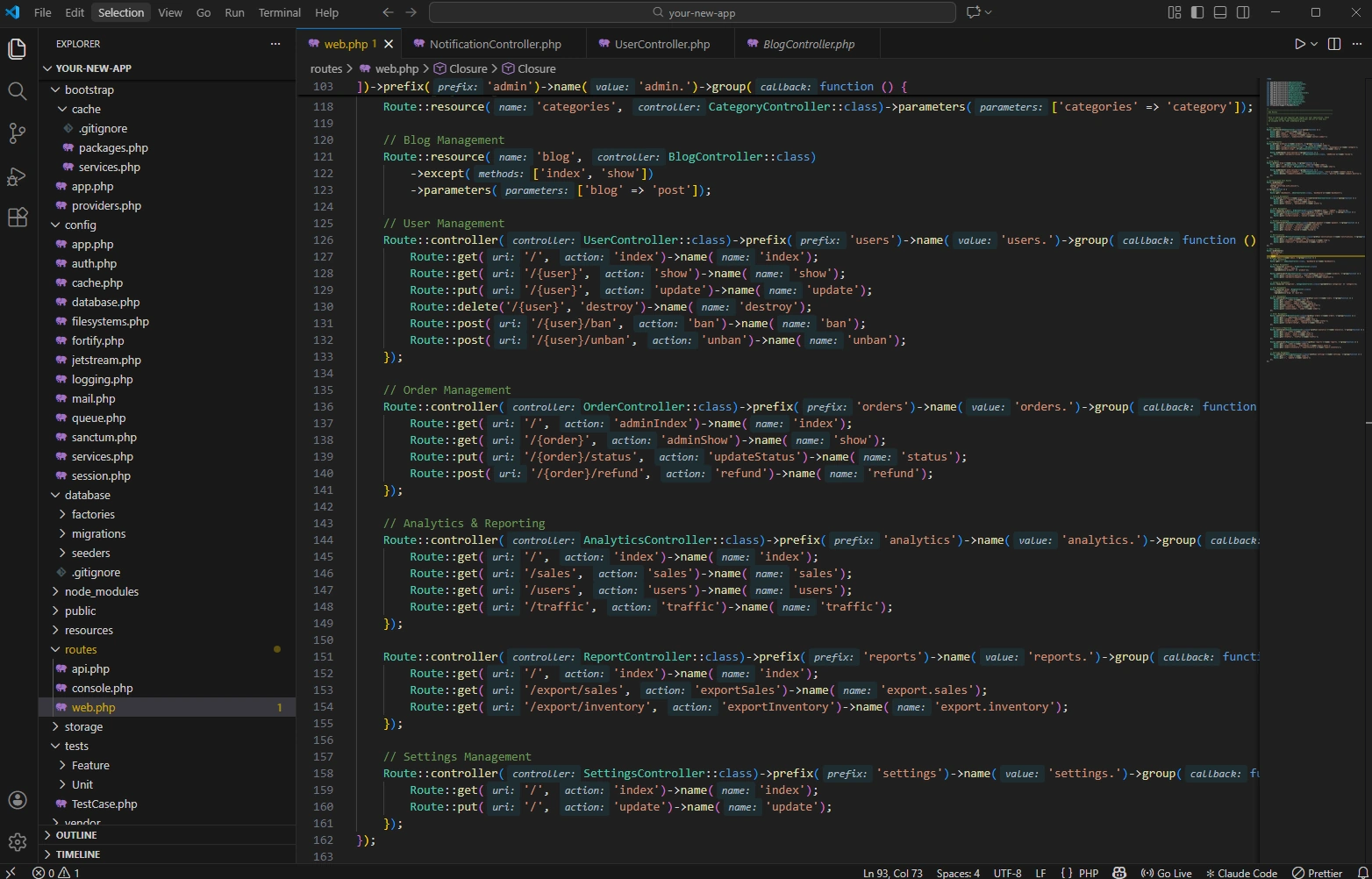
We often build these systems with Laravel paired with Vue.js or React-based front ends, depending on the job. The result is a fast, maintainable application that feels smooth for the user and sensible to support long term.
Built around real tasks
A web application only works if it makes the job easier. We shape the interface around the actual steps users need to take, not generic feature lists.
Ready for integrations
Applications often become far more useful when they connect to CRMs, finance tools, ecommerce platforms, or internal data sources.
Secure and maintainable
Authentication, permissions, data handling, and long-term maintainability are considered from the start rather than patched in later.
Monitoring and Support
We do not just launch the application and disappear.
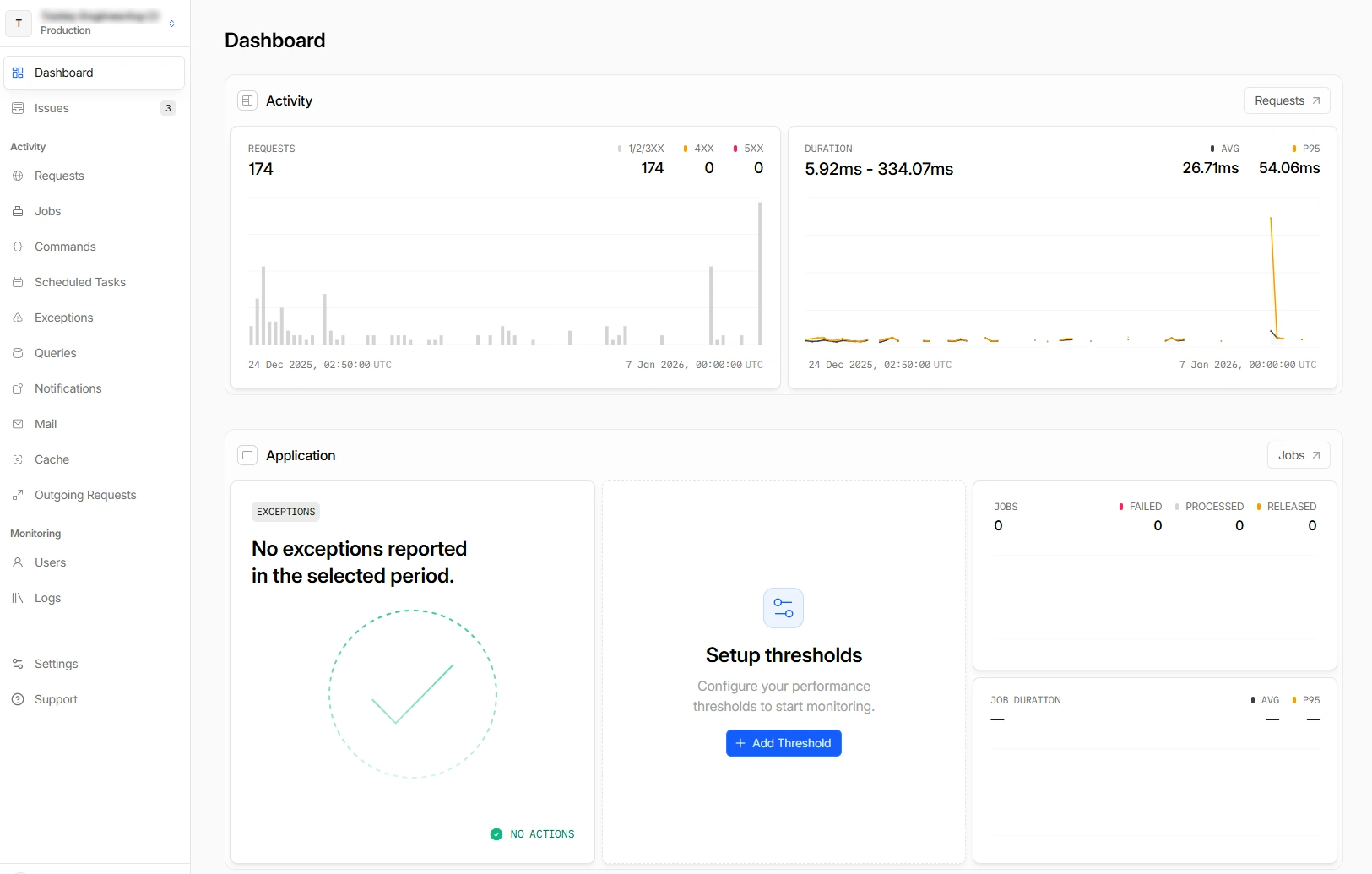
Monitoring matters more when the website is doing real work. We can keep track of errors, slow requests, and wider application health so issues are spotted early rather than after users complain.
Exception tracking
Capture issues with useful context instead of trying to debug blind after the fact.
Performance visibility
Track slow requests and bottlenecks before they become a bigger operational problem.
Proactive support
Spot problems earlier and keep the application feeling reliable for the people using it.
Ongoing maintenance
Keep dependencies, environments, and application behaviour in a healthier state over time.
Process
The best applications usually come from understanding the workflow properly before building.
Discovery and workflow mapping
We review who needs to use the system, what they are trying to complete, and where the current process is breaking down.
Technical planning
We define the structure, permissions, integrations, and data model so the application is designed around the right constraints.
Design and build
We create the interface, develop the application, and test the important user journeys across devices and user types.
Support and iteration
After launch, we can monitor, maintain, and improve the application so it keeps pace with the business using it.
Web Application FAQs
Common questions about portals, dashboards, and browser-based business systems
A web application is a browser-based system that lets users complete tasks rather than just read information. Examples include customer portals, staff dashboards, booking systems, quoting tools, and operational workflows.
You usually need a web application when users have to log in, submit information, manage records, complete repeatable tasks, or interact with business logic beyond a standard contact form.
Yes. Web applications often become more useful when they connect to CRMs, accounting systems, ecommerce platforms, scheduling tools, or internal data sources.
Yes. We build both customer-facing portals and internal tools depending on who needs to use the system and what tasks the application needs to support.
Still have questions?
Get in TouchNeed a portal, dashboard, or browser-based workflow?
If the requirement is more than a brochure site but not yet a full platform rebuild, we can scope the application properly and show you the right route.